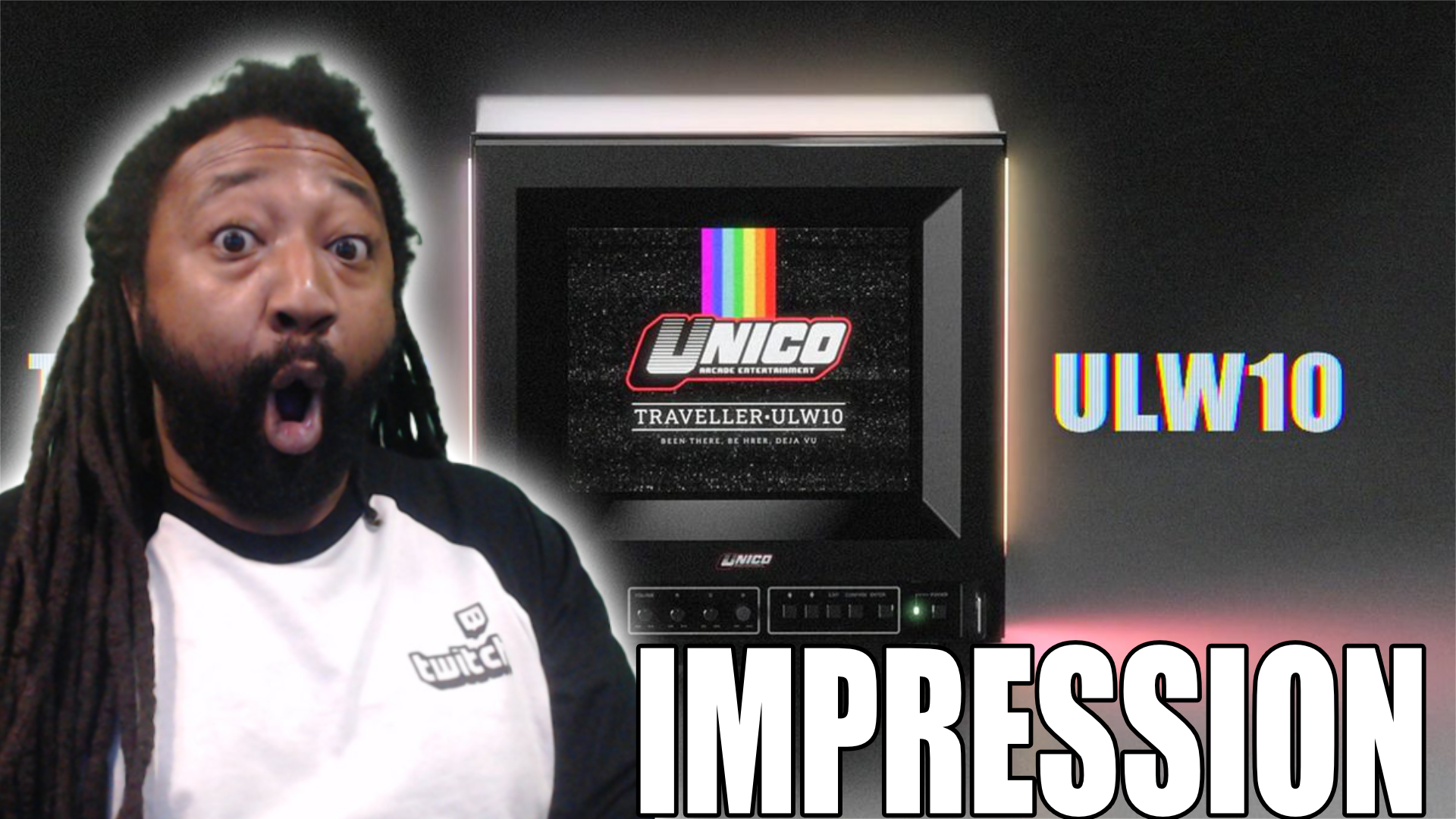
Before we get started on this review, I want to give a big thank you to David, Justin, and the folks over at Unico USA for sending me the ULW10 Traveller monitor to review. With that being said, Unico’s ULW10 retro gaming monitor is a versatile monitor perfect for people who are looking for a monitor that they can travel with for competitive play, or if you are like me, it makes for a low-key secondary monitor for my gaming room. With its 4:3 native aspect ratio and plethora of inputs, the Traveller captures the nostalgia of the 90’s with the technology of modern times.
The Traveller ULW10 is a passion project of Unico’s, born from the burned out CRT tv’s and monitors of old. The Traveller packs a big punch in a compact frame. The 10.4 inch screen is set to a native 4:3:3 aspect ratio, which is great for media native to that aspect ratio, but a 16 by 9 source definitely gets the smooshed treatment. Its not too bad and can quickly be adjusted in the settings, but we’ll get to that later. When I first received the Traveller, I was playing a lot of college football 27 and Warframe on it, which is not the easiest to do, my eyes aren’t as young as they used to be! In the earlier stages of the development, the team utilized their supply chain expertise from developing the Phoenix Series monitors, but decided to take things a step further from being a replacement monitor to a full blown stand alone retro gaming monitor.
Let’s jump into my experience with Unico’s Traveller Retro Gaming Monitor. The shell of the Traveller is made out of a light weight metal with a hard plastic front cap which is where the majority of the components for the mini-tv live. What really stands out about the Unico Traveler is the different signals that it takes at once. Of course it’s got a standard HDMI port for your modern day video signal, but the Traveller also includes ports for VGA, RCA, RGB and S-Video. I tried to use the VGA inputs with my Pac-Man controller that comes with retro games. I was super excited to try out some retro games on the 4:3 aspect ratio, but sadly I couldn’t get the picture to show on the Traveller. I would get a blip of sound, but the picture never showed. I confirmed that the game worked on a separate monitor that I have. I’m not sure exactly what the issue is, but to say I was disappointed would be an understatement. Next, I tried hooking up my VCR to the RCA input, but apparently it’s decided to eat tapes, so yet another failure at trying out that port. I don’t know if my unit has a defect, but I cannot get the RCA, VGA, or RGB inputs to work. I tried out my Wii with the same results as the Pac-Man Arcade Controller. Obviously a properly working Traveller would make for some epic retro gaming moments. I once again double checked to make sure that the console wasn’t messed up on another monitor, and I didn’t have any issues connecting my Wii. I went back later and found a VGA to HDMI converter and I successfully pushed picture and audio from the Pac-Man Controller and Nintendo Wii. The Traveller should be plug and play, so to run into issues with those ports and have to use a converter to play via the HDMI left me disappointed. I also experienced drops when using the HDMI. There were times that I would be playing and the screen would go black. The audio would push through, but the screen would lose picture.
Even though the Traveller has a smaller build, the back bump doubles as storage for consoles, cables and other smaller components. The Traveller is relatively light with plastic handles on the side making it easy to carry. The Traveller is perfect for road trips, but I’d love it if the Traveller came with some sort of travel case. That would protect the unit if I packed it in the trunk, and would give me the option to fly with it. The analog buttons and knobs are a nice touch with three different color schemes to choose from, Super Famicom red and cream, classic cream, and a standard matte black that reminds me of my brother’s tv from when we were kids. At one point, the Traveller had a 3.5mm audio I/O but the unit I received does not have one, so I assume it was left on the design room cutting floor. That’s unfortunate, because the Traveller only has one speaker in front, although the case has the holes for speakers on the side. The sound quality of the speaker isn’t bad, but I found myself cranking it up well past 70 to get it to a level that felt more immersive. I will admit, I’ve blasted music in my ears my whole life, so it could just be my hearing. I can’t help but feeling that the 3.5mm audio jack that was originally in the design of the Traveller was a missed opportunity.
Since Unico sent me the Traveller to review, it has become a staple in my studio and gets used almost daily by myself or my youngest. Don’t tell my boss, but the Traveller provides for a discreet secondary monitor to play games on while you sin in meetings that could’ve been emails. Unico’s strong suit really shines with the Phoenix monitor being the star of the show. The picture quality and colors pop, whether I was using my PS 5, PS 4, or Nintendo Switch. There is a bit of smoosh, but it’s easy enough to go into the settings and make adjustments to the picture. Speaking of the settings, the Unico Traveller gives consumers the option to adjust the picture vertically or horizontally along with adjusting the zoom to ensure a full picture or make adjustments to the squished look. There are knobs on the front of the monitor to adjust the color, but when I turn them, they don’t seem to do anything.
Overall, I love the Traveller as an auxiliary monitor to game on. Once I get my VCR going again, I can’t wait to watch our old home movies on it. The Traveller is lightweight, but sturdy enough to withstand a bit of punishment. The monitor itself boasts vivid colors, solid clarity in the picture and virtually no input lag, at least it wasn’t noticeable to me. The low latency is perfect for folk in the FGC where latency plays a huge factor. Of course, with the positives come the negatives. Unfortunately, I was unsuccessful at getting the VGA and RGB inputs to work at the time of this review, but I’m going to reach out to their support so stay tuned for an update. I did successfully get picture using a converter into the HDMI port for the older games, however, one of the biggest draws for the Unico Traveller is supposed to be the easy plug and play of older consoles and tech. I also experienced the random dropouts of video when using the HDMI input. I assume the USB A port that is on the back is used for firmware updates, so I’m looking forward to these bugs getting addressed. The Traveller only has one speaker, it would’ve been great if there were two, but it’s not necessary and would add a little weight to the unit. I do feel that not having a way to connect your own headset or even external speakers was a missed opportunity.
The Unico Traveller has just released on their Kickstarter for $300, but their early bird special will knock off up to $30. If you’re in the market for a lightweight retro-inspired monitor, I’ll leave a link to their Kickstarter and website down below.
Unico Traveller ULW10 Retro Gaming Monitor Kickstarter
Unico Website: https://www.unico-usa.com/
Facebook | Instagram | X | YouTube | Tiktok | Discord